

/v2/transcript endpoint, AssemblyAI processes them in parallel up to your account’s rate limit. The rate limit is the maximum number of transcription jobs that can be actively processing at the same time.
Default limits
Need a higher rate limit?Our services are infinitely scalable and we offer custom rate limits that scale to support any workload at no additional cost. If you need a higher rate limit, please either contact our Sales team or send an email to support@assemblyai.com.
What happens when you hit the limit
If you submit a transcription that would exceed your rate limit, it is added to a queue. Queued transcriptions are processed automatically in FIFO (first-in, first-out) order as previously submitted transcriptions complete. If you exceed your rate limit, you will receive an email stating that your transcripts have been throttled. You will only receive this email once per day.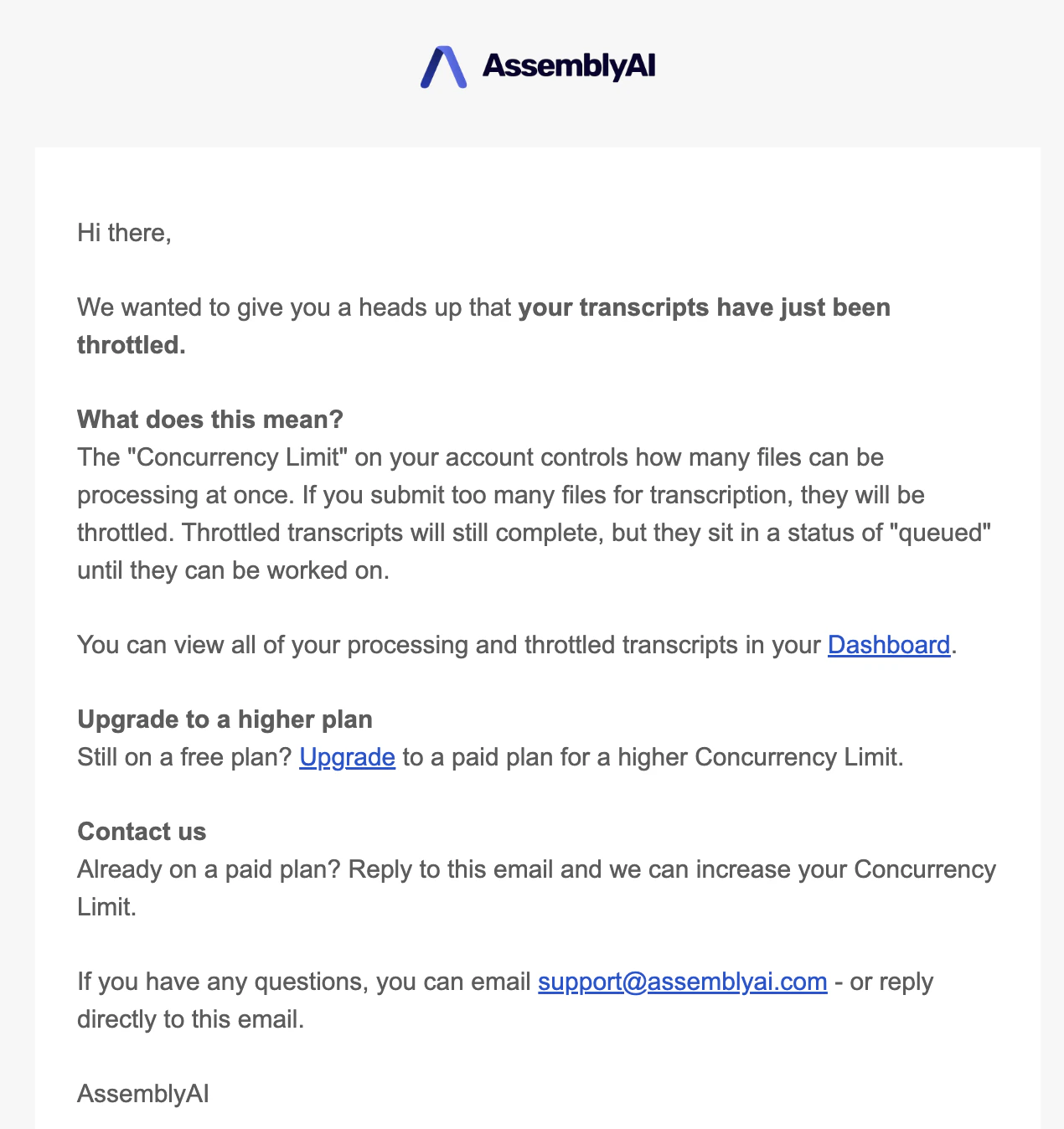
If your account balance goes below zero, your rate limit will be reduced to 1.
HTTP rate limits
In addition to the parallel-job rate limit, there is an HTTP rate limit for the API that restricts accounts to a maximum of 20,000 requests per five minutes. This limit counts all requests across endpoints — submissions (POST) and polling (GET) combined — and exceeding it returns an HTTP403. To stay under it, use webhooks instead of frequent polling, or widen and jitter your polling interval. See Polling without exceeding the rate limit for a worked example.
Check your limit
You can view your current rate limit on the Rate Limits page of your dashboard.With the current version of multi-project support, rate limiting is applied at the account level, not at the project level. This means that the rate limits for each API key mirror the rate limits for the account.For example, if an account has a rate limit of 200, each API key for that account will be able to process up to 200 requests in parallel.