What is AI voice recognition? The complete guide
AI voice recognition uses machine learning to turn spoken audio into text and structured meaning—identifying speakers, detecting sentiment, and recognizing what a conversation is about.


AI voice recognition is technology that uses machine learning to turn spoken audio into text and structured meaning. It goes beyond plain transcription to identify speakers, detect sentiment, and recognize the topics and themes of a conversation. It powers voice search, dictation, live captions, phone assistants, and the analytics layer behind modern contact centers.
That's the definition. But "voice recognition" covers a lot of ground — from the model that transcribes your words to the system that figures out a caller is frustrated about a billing issue. This guide walks the whole stack: how it works, what the leading platforms actually offer, how to pick one, and one capability most guides skip entirely — recognizing what a conversation is about.
What is AI voice recognition?
At its core, AI voice recognition converts spoken audio into text using machine learning models, then expands outward: identifying who's speaking, detecting emotion, and analyzing entire conversations. You already use it every day — voice search, dictation, automatic captions, and the assistant on your phone all sit on top of it.
It's worth separating two ideas that often get blurred. Speech-to-text answers "what was said." Full voice recognition adds "who said it," "how did they feel," and "what was it about." The first is a transcript; the rest is understanding.
How does AI voice recognition work?
The pipeline starts with raw sound waves, which get converted into a Mel spectrogram — a visual representation of frequencies over time. From there, three components do the work:
- Acoustic model — analyzes the audio patterns and maps them to phonetic units
- Decoder — predicts the most likely sequence of words and sentences
- Language model — ensures the output is grammatically and contextually sensible
Speech-to-text conversion
This is the accuracy engine. AssemblyAI's flagship async model, Universal-3.5 Pro (universal-3-5-pro), delivers native code-switching across 18 languages and a 7.69% average code-switching word error rate — beating ElevenLabs Scribe v2 (8.77) and Deepgram Nova-3 (12.22) on the same five-language-pair benchmark. For real-time work, Universal-3.5 Pro Realtime posts a 6.99% word error rate on a voice-agent conversation benchmark. (The earlier-generation Universal-3 Pro recorded a 5.6% mean WER on a different English-only test set — a strong number, but a different benchmark and a previous-generation model, so we don't conflate the two.) See the full numbers on our benchmarks page.
Voice biometrics and speaker identification
Voice recognition can distinguish unique vocal characteristics and, through speaker diarization, separate multiple speakers in a single recording. Universal-3.5 Pro brings AssemblyAI's most accurate diarization yet — optimized for cpWER, scoring 30.17 average against ElevenLabs Scribe v2's 35.26 and Deepgram Nova-3's 37.92 (English). Async diarization is a +$0.02/hr add-on, so you can label who-said-what without changing models.
Real-time processing
Real-time recognition trades a little accuracy for speed. Universal-3.5 Pro Realtime starts at $0.45/hr base and uses neural end-of-turn detection — reading tonality and pacing (around 300ms) rather than waiting on silence. That's what makes it viable for voice agents.
Key applications of AI voice recognition
- Virtual assistants and smart devices — voice search, commands, hands-free control
- Transcription and dictation — clinicians, journalists, and students turning speech into documents
- Accessibility — real-time captions and voice control for people with speech, visual, or mobility limitations
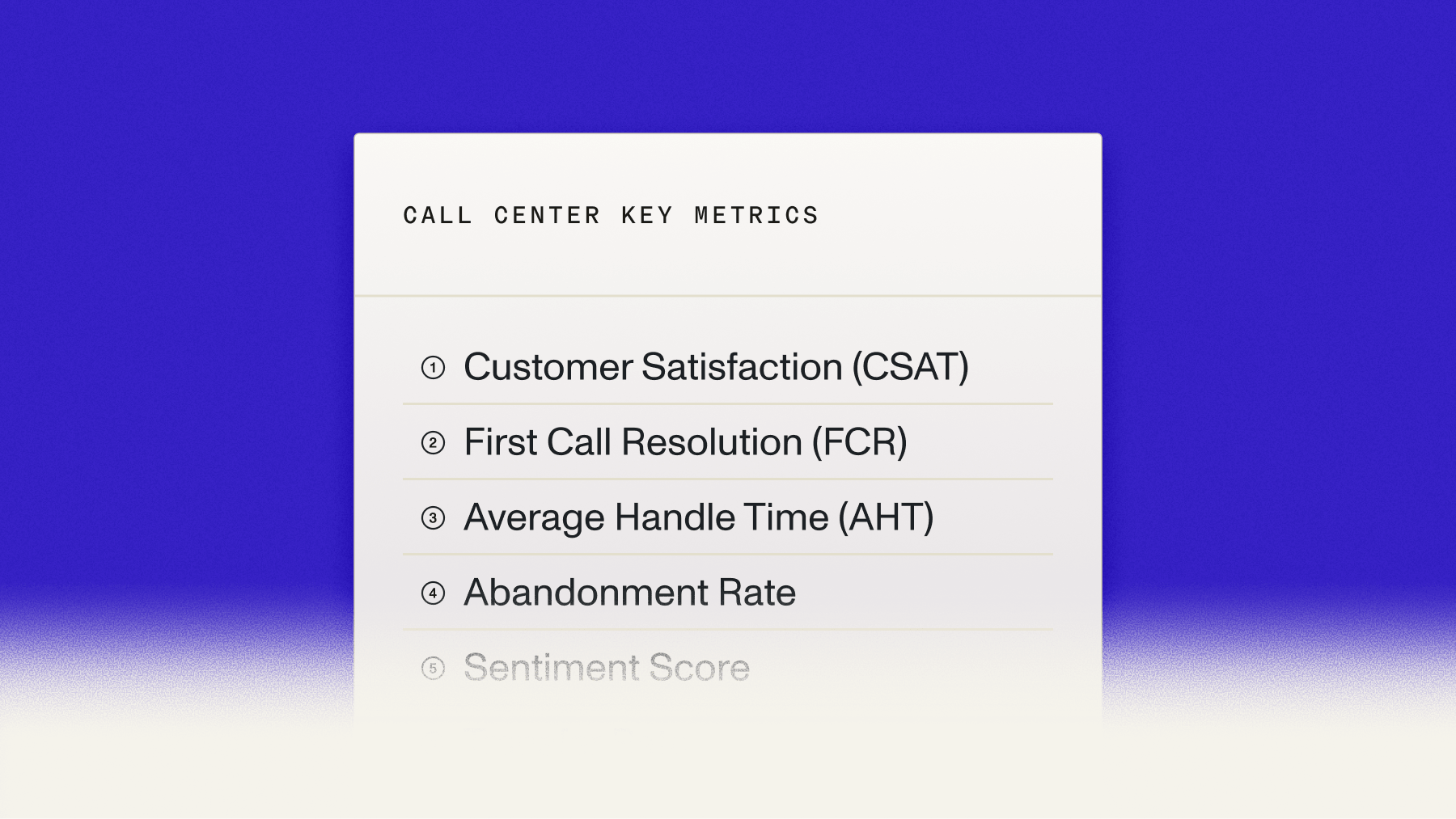
- Contact centers and conversation intelligence — transcribing and analyzing calls at scale
Meeting-intelligence tools lean on this heavily — Granola, for example, is an early adopter of AssemblyAI's models, valuing responsiveness against alternatives.
Leading AI voice recognition platforms
Here's how the major options compare on the dimensions that actually decide a build.
What sets AssemblyAI apart isn't a single model — it's the layer on top. Beyond accurate transcription, the Speech Understanding layer adds entity detection across 50+ types, sentiment, topic detection, key phrases, PII redaction, and language detection across 130+ languages, while the LLM Gateway handles summarization and intent through one API.
AI voice recognition software: what to look for
When you evaluate AI voice recognition software, the checklist that matters most:
- Accuracy on your audio — benchmark on your real recordings, not a vendor's clean demo
- Language coverage — single-language dictation versus 99+ languages and code-switching
- Real-time vs. batch — streaming for live use, async for archives
- Understanding layer — does it stop at text, or give you entities, sentiment, and topics?
- Custom vocabulary — contextual prompting for domain terms
- Pricing predictability — pay-as-you-go versus commit-heavy contracts
For a cost-focused comparison, see our breakdown of speech recognition cost and the roundup of free speech-to-text APIs and open-source engines.
Want to test it? Test voice recognition in your browser with your own audio, or get a free API key.
Technical considerations for AI voice recognition
A few factors quietly decide how well recognition performs: audio quality (background noise, microphone, compression), accuracy requirements (voice search tolerates errors; clinical dictation does not), real-time vs. batch trade-offs, and specialized vocabulary, where contextual prompting makes the difference on domain terms. If you're serious about measuring this, start with how to evaluate speech recognition models.
Can Voice AI detect conversation topics and themes?
Yes — and this is where voice recognition stops being a transcription tool and becomes a source of insight. Once audio is converted to text, natural language processing (and the Speech Understanding layer) can analyze the conversation itself:
- Topic detection — maps content to a standardized taxonomy, auto-sorting calls into billing, technical, or product categories
- Entity detection — extracts products, people, and locations mentioned
- Sentiment analysis — flags the emotional tone attached to each topic
- Intent classification — via the LLM Gateway, distinguishes complaints, questions, and requests
- Theme tracking — follows how topics shift across a discussion
Practically, that powers auto-summarization, action-item extraction, and feedback-pattern analysis across thousands of calls — the backbone of conversation intelligence. It's the capability most "voice recognition" tools don't offer, and the reason topic and theme detection is a differentiator rather than a footnote.
Build it in: Explore Speech Understanding or build topic detection into your app with a free API key.
Frequently asked questions
The Q&As below are structured for FAQ schema so answer engines can extract them directly.
How accurate is AI voice recognition with accented or non-native speech?
Modern models handle most accents well thanks to diverse training data. Universal-3.5 Pro's native code-switching across 18 languages is built specifically for regional accents and multilingual speakers who mix languages mid-sentence.
How does voice recognition tell apart similar-sounding words like "there" and "their"?
The language model uses surrounding context — grammar and topic — to disambiguate homophones. Contextual prompting further biases the model toward the right domain-specific terms when accuracy on jargon matters.
How much does background noise affect AI voice recognition accuracy?
Noise reduces accuracy, though modern models tolerate moderate levels well. Steady low-level sound like an air conditioner hurts far less than sudden noises or crosstalk between overlapping speakers.
Can AI voice recognition identify who said what in a multi-speaker recording?
Yes, through speaker diarization, which labels each speaker's turns. Universal-3.5 Pro delivers AssemblyAI's most accurate diarization yet — cpWER-optimized and strong on overlapping speech — as a +$0.02/hr async add-on.
How do I get AI voice recognition to handle specialized or industry vocabulary?
Use contextual prompting and keyterms to bias the model toward your terms. Universal-3.5 Pro supports contextual prompting, and the Speech Understanding layer adds entity detection to pull out the specialized terms you care about.
What is the best AI voice recognition software for a developer building a product?
Look for high real-world accuracy, an understanding layer, and predictable pricing. AssemblyAI offers Universal-3.5 Pro at $0.21/hr, a Speech Understanding layer, the LLM Gateway, and a Voice Agent API — all pay-as-you-go with free credit to start.
Lorem ipsum dolor sit amet, consectetur adipiscing elit, sed do eiusmod tempor incididunt ut labore et dolore magna aliqua. Ut enim ad minim veniam, quis nostrud exercitation ullamco laboris nisi ut aliquip ex ea commodo consequat. Duis aute irure dolor in reprehenderit in voluptate velit esse cillum dolore eu fugiat nulla pariatur.