

The 300ms rule: Why latency makes or breaks voice AI applications

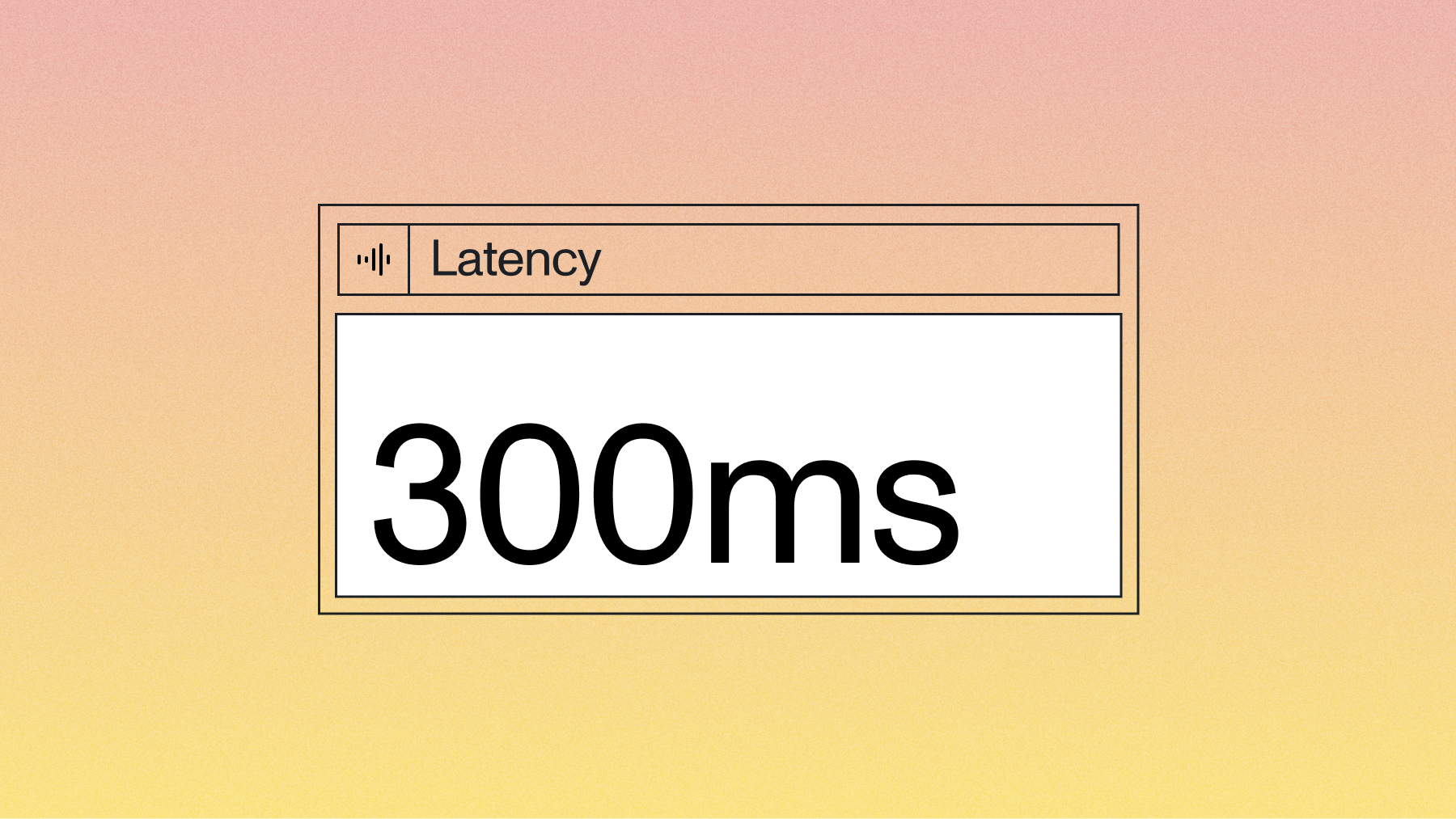

Voice AI applications succeed or fail based on a single metric: how quickly they respond to user input. When someone speaks to an AI system, they expect a response within 300 milliseconds—the natural pause length in human conversation. Exceed this threshold, and users perceive the system as broken or unresponsive.
This article explains voice-to-voice latency: the complete time from when a user stops speaking until they hear the AI's response begin. You'll learn why 300ms represents the critical boundary for conversational AI, which system components contribute most to delays, and proven optimization strategies that keep your applications under this threshold. We'll also cover common deployment mistakes that can multiply your latency by 2-5 times, destroying even well-optimized systems.
What is low latency voice AI?
Low latency voice AI is a system that responds to spoken input within 300 milliseconds. This means when you finish talking, the AI starts responding in less than a third of a second.
Why does this specific timing matter? Human conversations naturally flow with pauses of 200-500 milliseconds between speakers. When AI systems exceed this window, conversations feel broken and awkward.
The technical term for this measurement is voice-to-voice latency. It captures the complete journey from when you stop speaking to when you hear the AI's response begin. This isn't just about how fast the AI thinks—it includes every step from capturing your voice to playing back the response.
Why 300ms response time matters
Conversation timing is hardwired into how humans communicate. When you ask someone a question, you expect a response within half a second.
If the pause stretches longer, you assume they didn't hear you or don't know the answer. The same thing happens with Voice AI—delays over 500ms make you want to repeat yourself or give up entirely.
But here's what makes it worse with AI systems: you can't read body language or facial expressions that signal "I'm thinking." Without these visual cues, any delay feels like the system is broken.
Voice-to-voice latency components
Voice-to-voice latency isn't one thing—it's the sum of six different processing steps. Each step adds time, and these delays stack up quickly.
Your voice travels through this complete pipeline:
- Audio capture: Your device records and encodes the sound (10-50ms)
- Network upload: Audio data travels to the server (20-100ms)
- Speech recognition: AI converts your voice to text (100-500ms)
- Language processing: AI generates a response (200-2000ms)
- Speech synthesis: AI converts text back to speech (100-400ms)
- Network download: Audio travels back to your device (20-100ms)
The challenge is that you can't hide these steps behind each other. Every millisecond counts toward your 300ms budget.
Where latency comes from in voice AI systems
Not all components contribute equally to your latency problem. Understanding where delays come from helps you focus your optimization efforts.
speech-to-text processing
Speech-to-text creates your first major bottleneck. Traditional systems wait for you to finish speaking completely before they start processing. This batch approach adds 200-500ms right from the start.
Streaming models work differently—they process your speech as you talk. This cuts the delay to 100-200ms for most responses.
But there's a hidden cost to consider: accuracy. Poor transcription forces the AI to ask "Can you repeat that?" or generates responses based on misunderstood input. These correction cycles can add 5-10 seconds to your conversation. Modern streaming models like AssemblyAI's Universal-Streaming maintain high accuracy even in streaming mode, preventing these costly back-and-forth exchanges.
LLM inference bottlenecks
Large Language Models represent your biggest latency challenge. They often consume 40-60% of your total response time.
The problem comes from how these models work—they generate responses one word at a time, and each word depends on all the previous words. You can't parallelize this process effectively.
Time-to-first-token matters more than total generation speed for conversations. Users perceive responses as faster when they hear something immediately, even if the complete answer takes longer.
Model size directly affects speed:
- Small models (under 3B parameters): 50-200ms to start responding
- Medium models (3B-7B parameters): 100-400ms to start responding
- Large models (7B-13B parameters): 200-800ms to start responding
- Very large models (13B+ parameters): 500ms or more to start responding
Text-to-speech synthesis
Text-to-speech faces a similar choice between batch and streaming processing. Batch synthesis waits until the AI finishes generating the complete response before creating audio. This adds 200-400ms of unnecessary delay.
Streaming text-to-speech starts creating audio as soon as text arrives. This reduces perceived latency to under 100ms because users hear the response beginning almost immediately.
Modern neural text-to-speech models can generate high-quality speech at 20-50 times real-time speed. A five-second response typically renders in just 100-250ms.
Network and transmission delays
Geography creates unavoidable delays—data simply cannot travel faster than light. A round trip from New York to London adds 70ms purely from physics, before considering internet routing or server processing.
Your protocol choice also matters significantly. REST APIs require connection setup and teardown for each request, adding 50-100ms per interaction.
WebSocket connections maintain persistent channels that eliminate this overhead. Over a full conversation with multiple turns, REST might add 2-3 seconds of cumulative delay while WebSocket adds almost none.
Achieving sub-300ms latency
Getting under the 300ms threshold requires coordinated optimization across all components. These patterns deliver the highest impact for your effort.
Colocate services in the same region
Physical proximity between your components eliminates significant network delays. When your speech-to-text, language model, and text-to-speech services run in the same data center, inter-service communication drops to under 10ms.
Consider a typical distributed deployment: speech recognition in Virginia, language processing in Oregon, voice synthesis in Ireland. Each hop between regions adds 30-70ms, creating 200ms of unnecessary delay.
Moving everything to the same region might cost slightly more for compute resources, but the latency improvement justifies this expense for conversational applications.
Implement WebSocket connections
WebSocket and WebRTC protocols maintain persistent, bidirectional connections that eliminate connection overhead. Where REST requires a new connection for each request, WebSocket streams data continuously.
The benefits compound over longer conversations. A ten-turn dialogue involves 30 or more API calls between components. With REST adding 50ms per connection, that's 1.5 seconds of pure overhead that WebSocket eliminates.
AssemblyAI's Streaming STT API maintains a single WebSocket connection throughout entire conversations, processing audio as it arrives rather than waiting for complete sentences.
Use streaming transcription
Streaming speech-to-text processes audio incrementally rather than waiting for silence. Transcription begins while you're still speaking, cutting 100-300ms from each conversational turn.
Configuration affects your accuracy-latency tradeoff. Smaller audio buffers respond faster but might split words incorrectly. Most applications find 100-250ms buffers provide the optimal balance of speed and accuracy.
Key streaming benefits:
- Immediate processing: Transcription starts during speech, not after
- Reduced wait time: No delay for silence detection
- Better user experience: Responses feel more natural and responsive
Choose smaller, faster models
Not every conversation needs the most powerful language model available. Smaller models handle many tasks with significantly lower latency.
Match your model size to your task complexity:
- Customer service FAQs: 3B parameter models respond in 50-200ms
- General conversation: 7B parameter models respond in 100-400ms
- Complex reasoning tasks: 13B parameter models respond in 200-800ms
- Specialized expertise: Larger models may require 500ms or more
A customer service bot answering common questions doesn't need the same model as a technical support agent debugging complex code issues.
Common pitfalls that destroy latency
Even well-designed systems fail due to deployment mistakes. These issues can multiply your latency by 2-5 times, destroying all optimization work.
Geographic distribution mistakes
The most common mistake is spreading components across distant regions without measuring the performance impact. Teams often choose regions based on cost savings without considering latency penalties.
A voice AI system with speech processing in Virginia, language models in London, and synthesis in Tokyo might save money on compute costs. But it adds 300-500ms of network latency—your entire conversation budget spent on data transmission.
If you need global deployment, create complete system stacks in each region rather than sharing components across continents.
Using REST when streaming is available
REST APIs feel familiar and simple, which makes them the default choice for many teams. But for voice AI, this familiarity creates expensive delays.
REST calls require connection establishment, security handshakes, and request-response cycling for every interaction. Streaming APIs maintain open connections and process data as it arrives.
The difference is dramatic:
- REST transcription: Upload complete audio → wait for processing → download results
- Streaming transcription: Send audio chunks → receive text immediately → continue processing
The streaming approach can save 500ms or more per conversational turn.
Optimizing the wrong components
Teams often spend weeks optimizing their fastest component while ignoring the real bottleneck. Reducing text-to-speech latency from 150ms to 100ms sounds impressive, but if your language model takes 2000ms, you've improved total latency by just 2.5%.
Profile your complete system first. Measure each component's contribution to total delay, then focus optimization efforts on the largest contributors.
Usually this means language model inference first, then speech recognition accuracy (to prevent corrections), then network architecture.
Sacrificing accuracy for speed
Choosing faster but less accurate speech-to-text models seems like an obvious win. But transcription errors force correction cycles that destroy your latency budget entirely.
A transcription error that changes "cancel my order" to "cancel my border" requires clarification dialogue. These corrections add 5-10 seconds to conversations—far more than you saved with faster processing.
High-accuracy models prevent these correction loops. AssemblyAI's Universal-Streaming model shows significant improvements in proper noun recognition and alphanumeric accuracy, directly translating to fewer clarification requests and faster overall interactions.
Missing latency monitoring
Many teams deploy voice AI without measuring actual user-perceived performance. They track component metrics like processing time and generation speed but miss the complete picture.
Real latency monitoring requires end-to-end measurement from the user's perspective. Use speaker diarization to identify exactly when users stop speaking and when AI responses begin.
Track percentiles, not just averages. A system with 200ms median latency but 2000ms 95th percentile latency will frustrate one in twenty users.
Final words
Low latency voice AI requires coordinated optimization across speech recognition, language processing, voice synthesis, and network architecture. The 300ms target isn't arbitrary—it's based on natural human conversation timing that makes AI interactions feel responsive rather than robotic.
Focus first on the highest-impact optimizations: colocating services, implementing streaming protocols, and right-sizing your language models. AssemblyAI's Streaming Speech-to-Text API already implements these optimizations with WebSocket connections and streaming transcription models that maintain accuracy while minimizing delay, providing a solid foundation for building responsive voice applications.
Lorem ipsum dolor sit amet, consectetur adipiscing elit, sed do eiusmod tempor incididunt ut labore et dolore magna aliqua. Ut enim ad minim veniam, quis nostrud exercitation ullamco laboris nisi ut aliquip ex ea commodo consequat. Duis aute irure dolor in reprehenderit in voluptate velit esse cillum dolore eu fugiat nulla pariatur.
Related posts

.webp)